How to choose photos for your photography portfolio
Folio Team
Choosing photos for a portfolio is harder than taking them. You were there for every frame, so each one carries something the viewer will never see: the early start, the light that lasted four minutes, the client who finally relaxed. A stranger only sees the picture. Most of the work of building a portfolio is learning to look at your own photos the way a stranger would.
Decide who the portfolio is for
Start with the person you want to hear from. A couple planning a wedding, an art director hiring for a campaign, and a gallery curator are all looking for different things, and one set of photos rarely serves all of them.
Write down the kind of work you want more of, then choose photos that would make someone hire you for exactly that. People tend to book what they can see. If half your portfolio is a genre you no longer want to shoot, inquiries for it will keep arriving.
This also settles what to do with work you are proud of that doesn't fit. It can have its own gallery, or it can stay in the archive. It doesn't have to sit next to everything else.
How many photos should a portfolio have?
There is no correct number, but fewer than you think is a safe starting point. As a rule of thumb, we would aim for 15 to 30 photos in a gallery, and a handful of galleries rather than a dozen. That is enough to show range and consistency, and short enough that someone might reach the end.
The more useful test is whether every photo would still be there if you had to defend it. A portfolio is judged by its weakest picture as much as its strongest, because a weak one makes the viewer wonder which of the two is typical. Twelve strong photos do more for you than twelve strong photos and twenty decent ones.
Edit in passes
Trying to go from a few hundred candidates to a final set in one sitting usually ends in a set that is too long. Passes are easier:
- Gather widely. Pull in everything that might belong, without arguing with yourself yet.
- Remove the obvious. Take out anything with a technical problem you would have to explain, and anything you included only because the shoot was hard.
- Deal with near-duplicates. Where two or three frames come from the same moment, keep one. This cut hurts most and helps most.
- Leave it alone. Come back after a few days. The photos you kept out of attachment are easier to spot once the memory of making them has faded a little.
If you are stuck between two photos, ask which one you would miss if it were gone. If the honest answer is neither, both can go.
Put them in an order
The order changes how the same photos read. Open with one of your strongest images, since the first screen is where a visitor decides whether to keep scrolling. End on a strong one as well, so the last thing they see is worth remembering.
In between, vary the rhythm. A wide scene followed by a close detail, or a busy frame followed by a quiet one, keeps the eye moving. Check neighbours in a grid too: two photos with clashing colors or the same composition can weaken each other when they sit side by side, even if both deserve their place.
Group the work into galleries
One long page mixing weddings, portraits, and travel asks the visitor to do the sorting. Separate galleries do it for them, and let someone with a specific need go straight to the relevant work.
Group by what a client would search for. "Weddings" and "Portraits" are clearer than a project title only you would recognize. A short description in each gallery helps too, saying where and how the work was made.
Keep each gallery consistent within itself. That doesn't mean one preset on everything, but color, contrast, and black-and-white treatment should feel like they came from the same photographer in the same frame of mind. A consistent gallery also tells a client what their own photos are likely to look like.
Ask someone else
You cannot fully separate a photo from the memory of taking it, so borrow someone who can. Show the shortlist to another photographer, and also to someone who resembles the client you want. Rather than asking whether they like it, ask which photos they would remove and which ones they remember an hour later.
Their answers will sometimes sting. Take them seriously anyway, especially when two people independently pick out the same photo.
Check it on a phone
A lot of people will first see your portfolio on a phone, often from a link in a message or a social profile. Open it on yours before you share it. Look at which photo fills the first screen, how vertical and horizontal frames sit together, and whether small details that matter in a photo survive at that size.
Keep it current
A portfolio drifts out of date quietly. Put a reminder in the calendar a few times a year, and treat each new photo as a replacement for an old one, so the set gets better without getting longer.
Where Folio fits
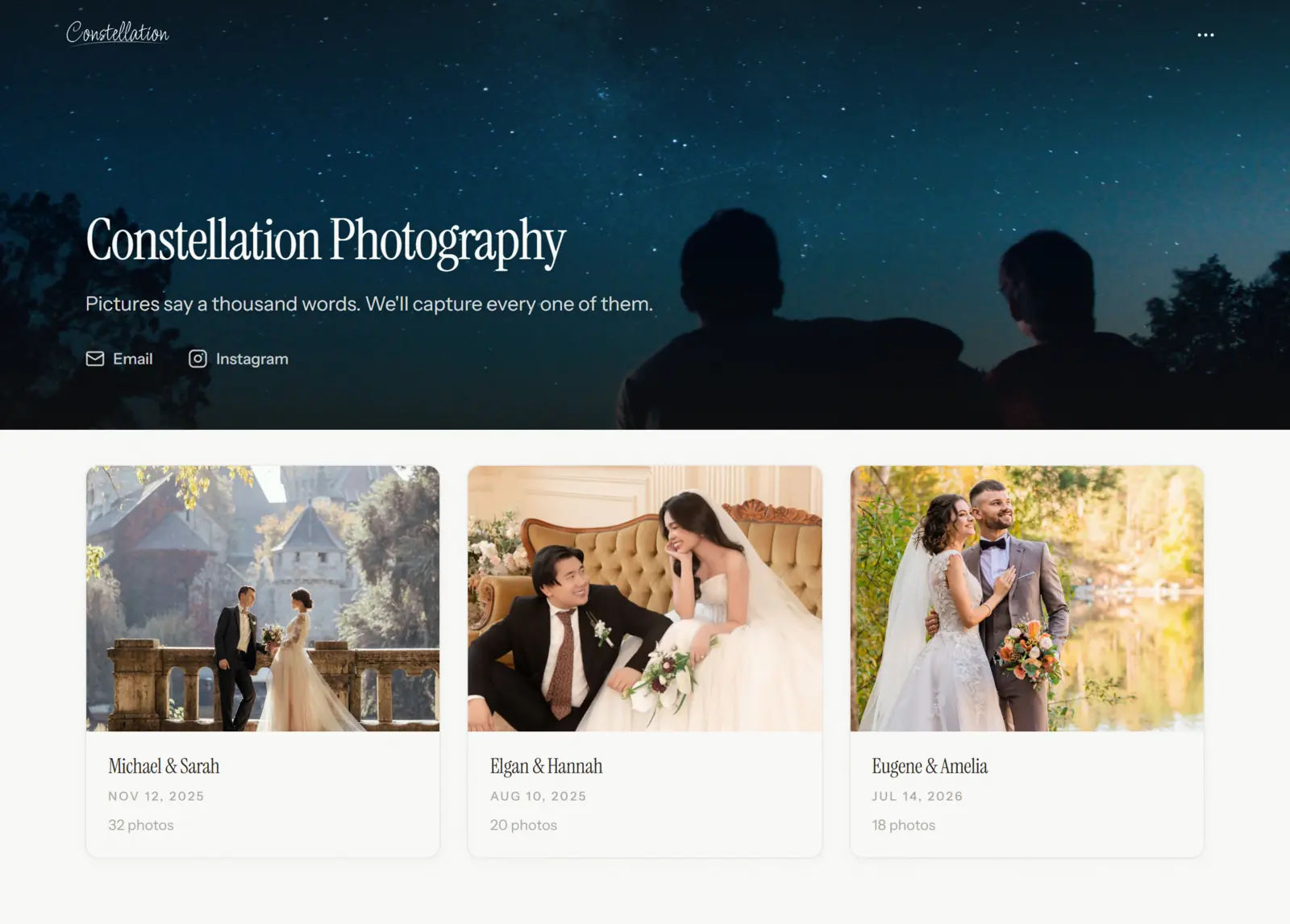
We built Folio's portfolios around this way of working. Each gallery has its own visibility. New galleries start as private, so you can edit and reorder without an audience. Set a gallery to Public and it appears on your portfolio homepage; unlisted galleries can be shared by link and stay off the homepage, which suits client work. The editor has desktop and mobile previews for checking the phone view before you publish, and paid plans let you put it all on your own domain.
It's free to start, and the plans are on the pricing page. The harder part is still the editing, and no tool does that for you.