Custom Domains
Your gallery, your name, your domain
Connect a domain you own and use it for your portfolio homepage and every published gallery. Folio handles routing and HTTPS after your DNS is verified.
Your brand
Clients enter your studio, not a platform
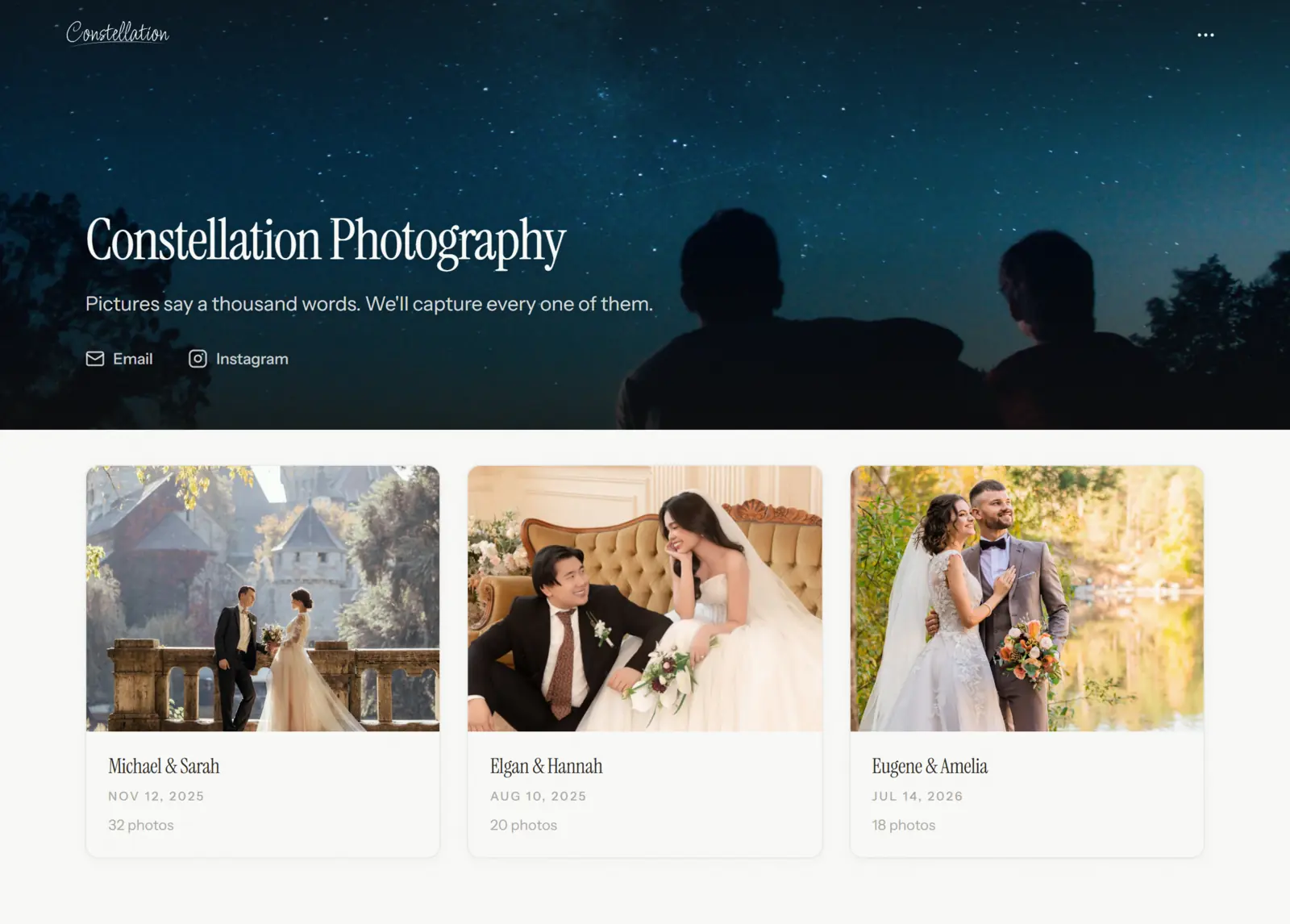
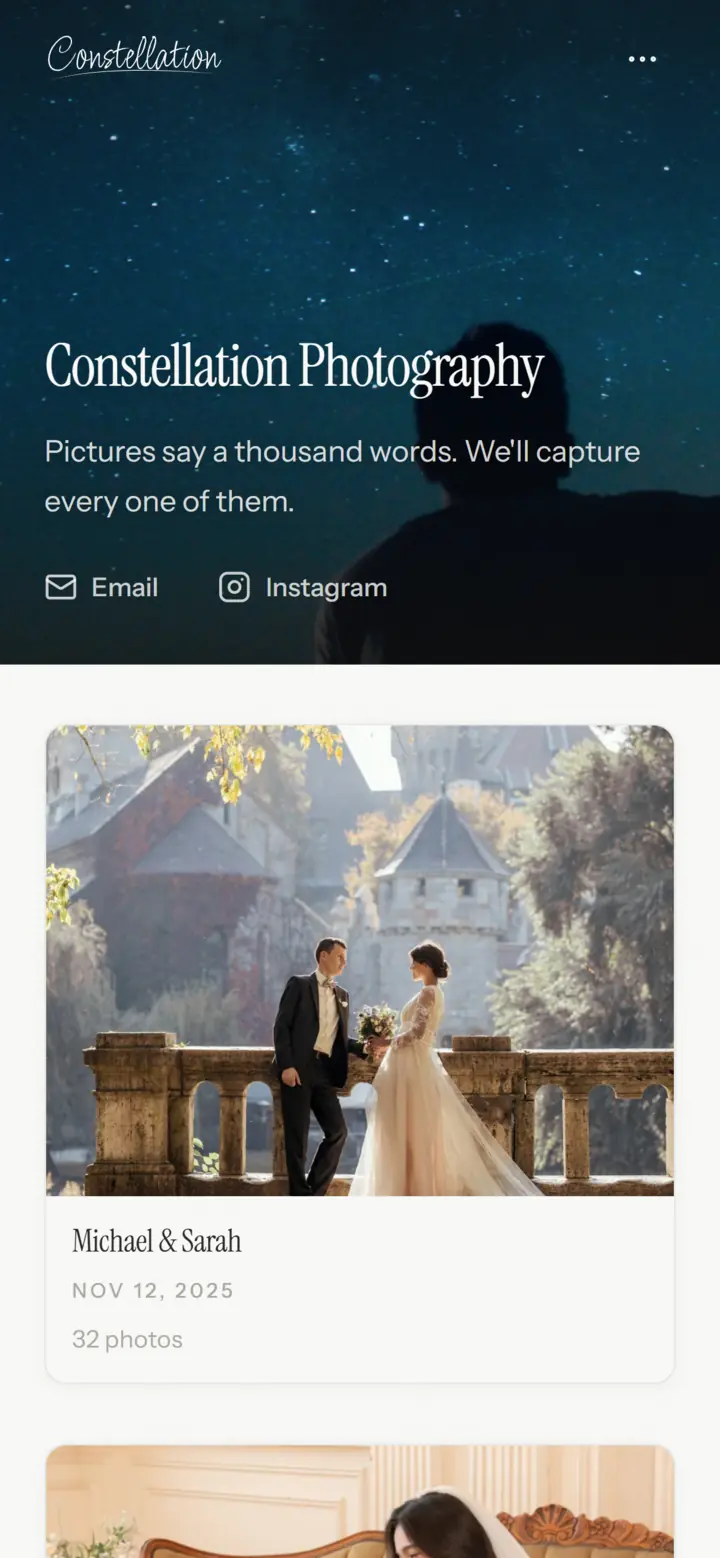
Your domain in the address bar, your logo in the header, and your favicon in the browser tab. On paid plans, you can remove the Folio badge from public pages too.
Setup
Connect the domain you already own
Add the DNS record shown in portfolio settings, then check its status in Folio. Once DNS has propagated and the certificate is ready, your portfolio and gallery links use the new domain.
Domain Settings
White label
Your brand on every page, not ours
Use your domain, logo, and favicon throughout the public experience, then turn off the Powered by Folio badge. Your portfolio and galleries keep the same identity.
What your clients see
FAQ
Questions & answers
No. Every portfolio starts with a folio.photo address. Custom domains are available on Lite and higher plans, so you can upgrade and connect one whenever you're ready.
Add a DNS record with your domain provider. We walk you through it, and security certificates and encryption are handled automatically.
Paid plans let you turn off the Powered by Folio badge on public portfolio and gallery pages. You can also upload your own logo and favicon.
Yes. Client galleries and public portfolios all live under the same domain with clean, shareable URLs.
A gallery that feels like part of your studio.
Bring your portfolio and gallery links under one address.
Free to start, no credit card required.