A place for everything
Folio Team
The last update was about the gallery your clients see. This one is about everything around it: how your pages look, how your work is arranged, and how it feels to move things about in the dashboard and editor. There are three themes for your public pages, sections to group your galleries, a dashboard that puts more within reach, and an editor that's more forgiving of mistakes.
Three themes for your public pages
Your portfolio and galleries can now be shown in Light, Dark or Black. Light is the look you know. Dark is a soft charcoal that suits moody, low-key work. Black is a true black page, for when the photos should be the only light in the room.
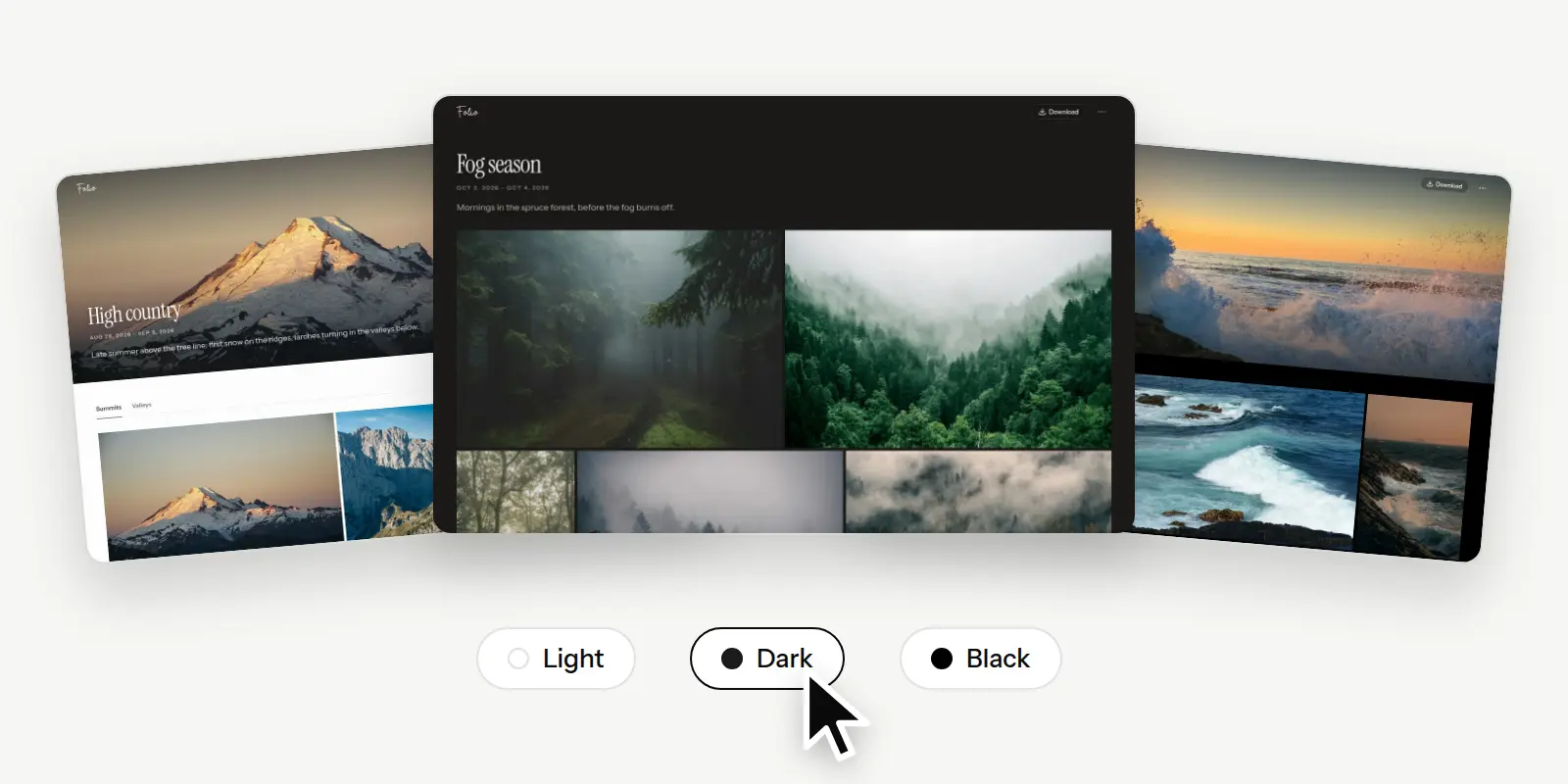
A gallery uses your portfolio's theme unless you give it one of its own. You could keep the portfolio in Light, for example, and show one moody set in Black. Choosing a theme for a gallery is free on every plan. Changing the theme of the whole portfolio is part of custom branding on paid plans.
You'll find the theme in a gallery's Presentation panel and in your portfolio settings. Everything on the page follows it, including the password screen of a protected gallery.
Sections, and an order of your own
Until now a portfolio was one long list, newest first. You can now group galleries into sections such as Weddings, Portraits or Travel, and arrange both the sections and the galleries inside them in whatever order you like.
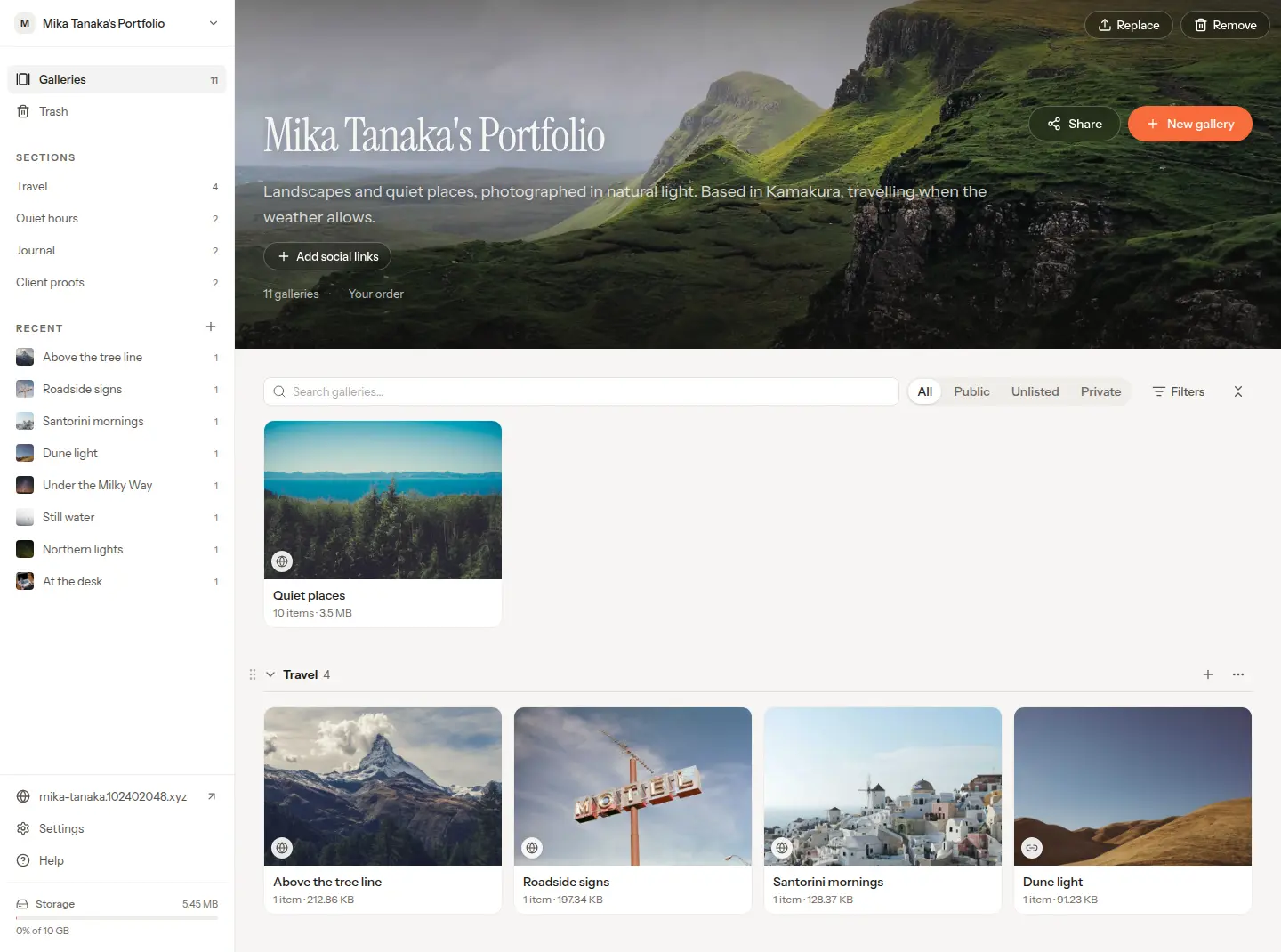
In the dashboard, drag a gallery next to another, onto a section heading, or onto a section in the sidebar. If you'd rather not drag, Move to section in the right-click menu does the same. Sections collapse when you want them out of the way, and new filters narrow the view to published, unpublished or password-protected galleries.
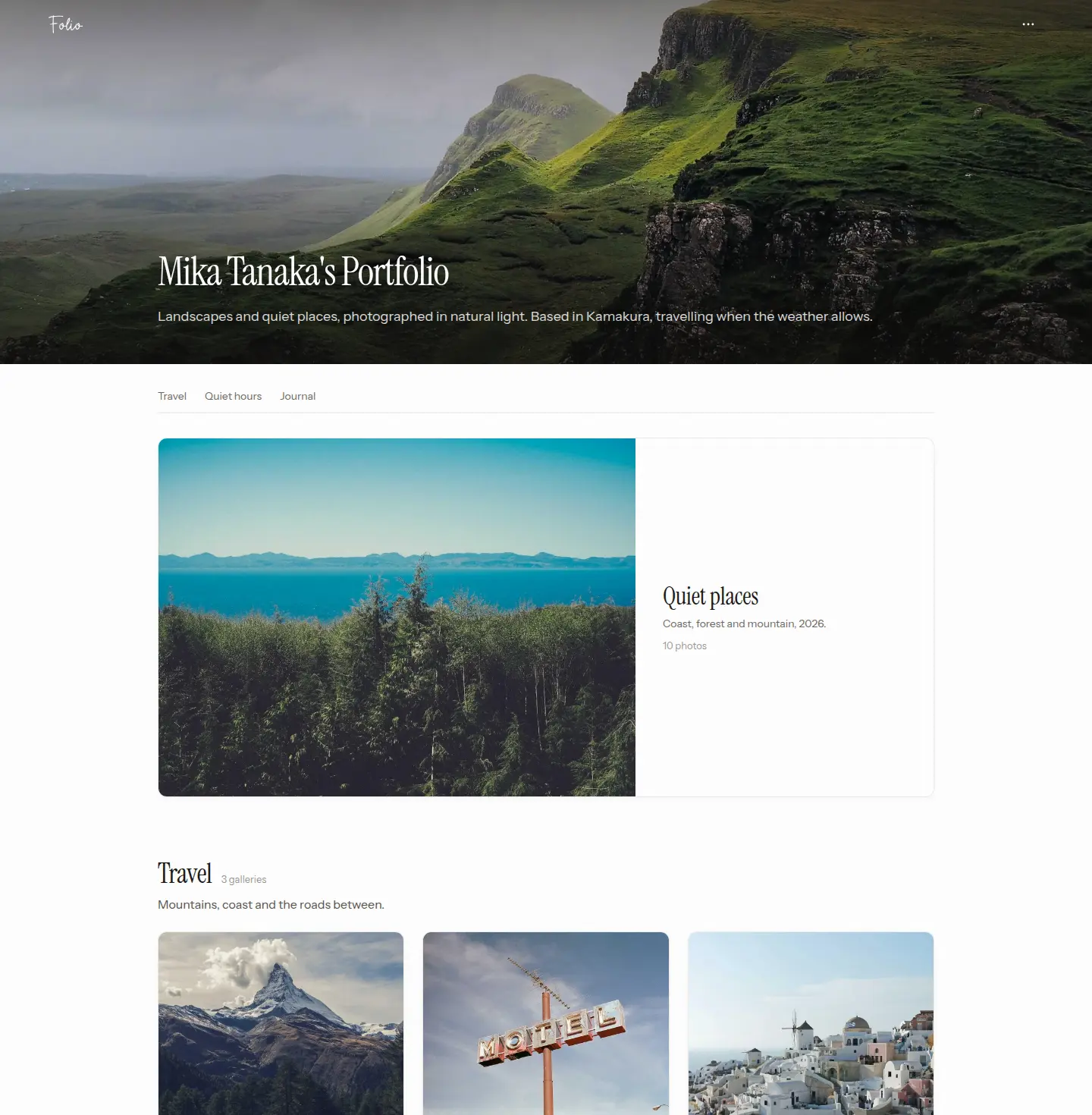
Your public portfolio follows the same order. Each section gets a heading and an optional description. With three or more sections, visitors can jump between them from the top of the page. And if you place a single gallery ahead of your sections, it's shown large at the top of the page.
A dashboard with more within reach
The sidebar used to hold two links and a lot of empty space. It now lists your sections and your newest galleries, each with its cover, so the work you added last is one click away. Your public site, Settings and Help sit at the bottom, and the portfolio switcher shows your site icon and lists your portfolios directly.
A steadier editor
Remove, then change your mind
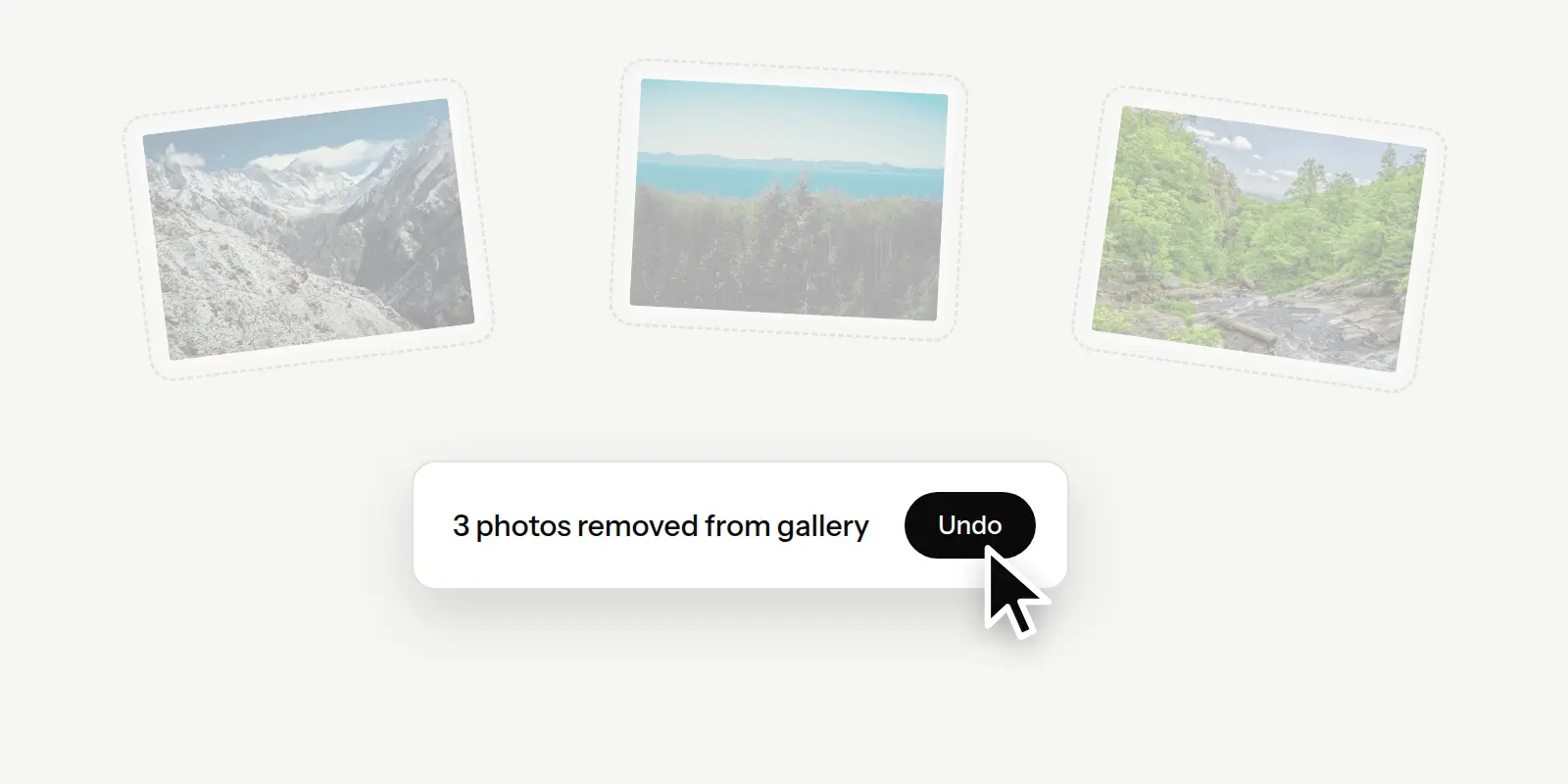
Removing photos from a gallery now comes with an Undo. For ten seconds after you remove them, one click puts every photo back exactly where it was.
One gallery, two tabs
If you had a gallery open in two tabs, the older tab could overwrite the photos and layout you'd arranged in the newer one. Folio now notices. A tab with nothing unsaved updates itself. A tab with unsaved changes stops saving and asks you to reload, which keeps what you saved in the other tab and discards the rest.
Selecting behaves the same everywhere
Selecting galleries in the dashboard, items in Trash and photos in the editor now follows one set of rules:
- Click to select one, Shift-click for a range, and Ctrl/Cmd-click to add to it.
- Drag across empty space to draw a selection box, even while the page scrolls.
- Arrow keys move through the grid by row and column.
- On a phone or tablet, press and hold to start selecting, then tap to add more.
- Right-click menus act on everything you have selected. Right-clicking empty space shows actions for the page, such as New gallery and Select all.
Download your originals
Download originals in the editor now saves a whole gallery as a single ZIP. A gallery with several collections gets a folder for each.
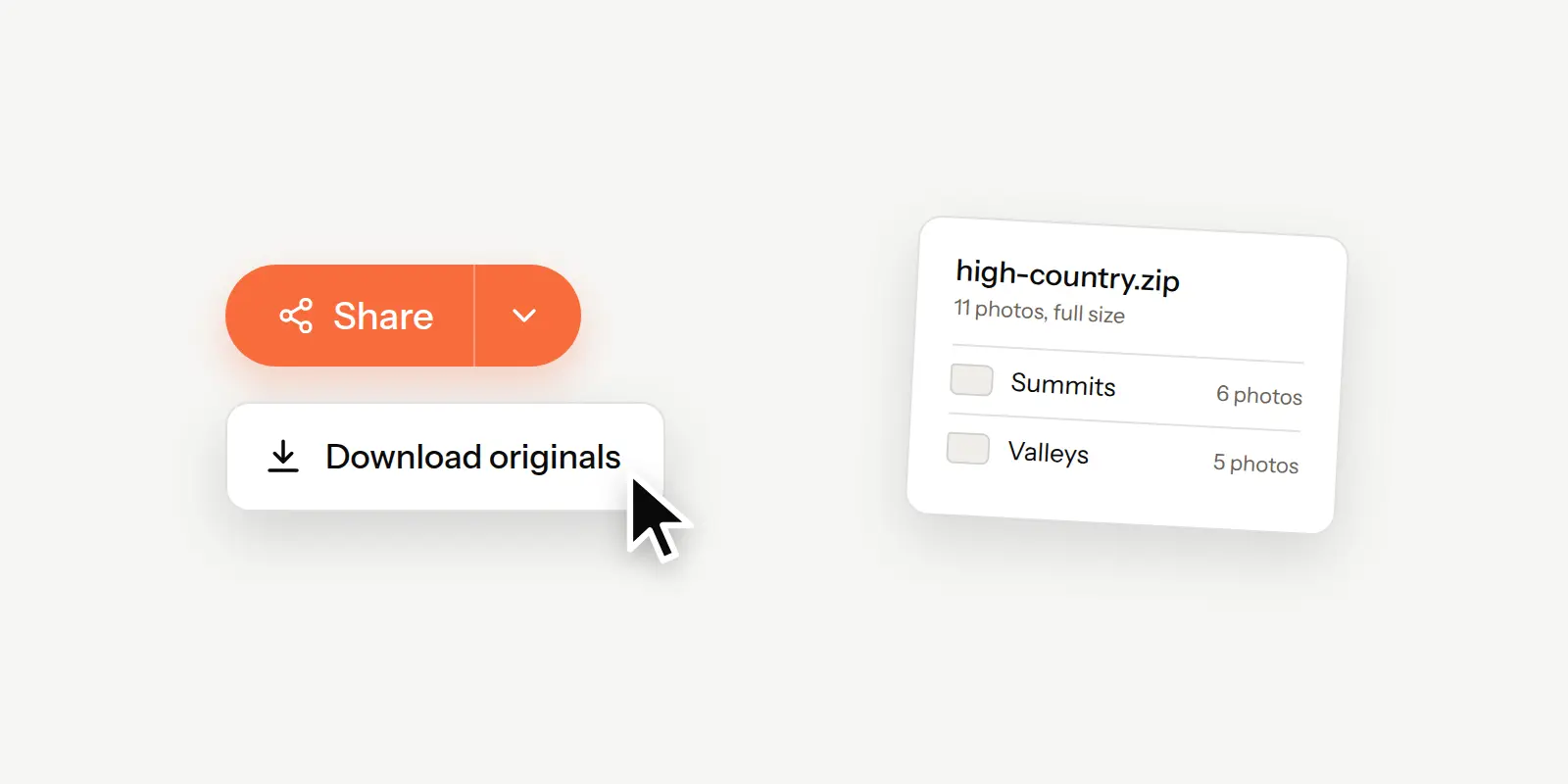
Uploading got a fix of its own: you can drop in a folder of more than a hundred photos and all of them will upload.
Kinder on small screens
We went through Folio page by page at phone width. Buttons stay on screen, gallery filters tuck into a menu, and banner controls that used to appear only on hover are always visible on touch devices. Reordering photos on an iPhone no longer opens Safari's image preview.
Public galleries gained a few touches too: covers sharpen from a soft preview as they load, long galleries have a button to return to the top, and large galleries load and scroll more smoothly.
Your account, on your terms
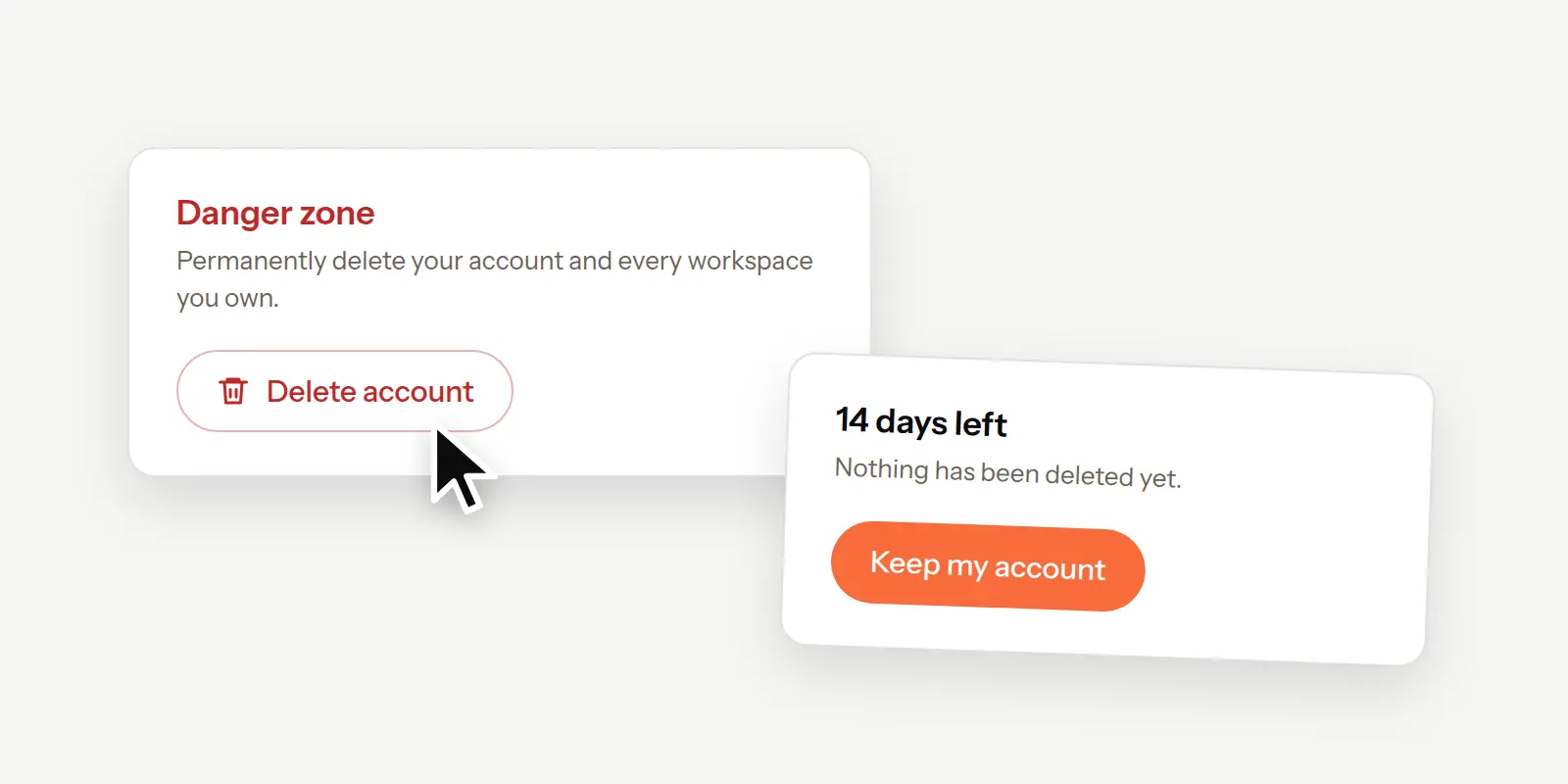
- Delete your account or workspace yourself, from Settings, without writing to us. Deletion waits 14 days, and you can cancel at any point before then.
- A reminder before an annual plan renews, so the charge doesn't come as a surprise.
- A way back after a missed payment. If billing lapses, you can still sign in and put things right.
New things to read
We've been writing more on the blog, with practical guides on things like sending photos to clients, custom domains and watermarking proofs. If you're weighing Folio against something else, the comparison pages lay out the differences plainly.
Quietly, behind the scenes
The app and the public site now share one look, which is why buttons, menus and dialogs feel more alike wherever you are. Folio also has a new icon in your browser tab. Buttons stay steady while the next page loads, sign-in codes are better protected against guessing, and a full security review led to stronger protections around uploads, billing and email.
As ever, the aim is that you notice none of this, only that things stay where you put them.
Thank you for making things with Folio. If there is something you would like to see next, write to us at [email protected].