Spring studio update
Folio Team
It has been a little while since our first note. Since then, Folio has grown from a simple way to publish a gallery into a more complete home for client delivery: calmer to manage, faster to view, and easier to make your own.
This update is less about one large feature and more about the quiet work of making the whole room feel considered.
Branded portfolios and custom domains
Your galleries can now sit inside a more complete portfolio presence. Add your studio logo, social links, and a primary domain for your portfolio so public pages feel like they belong to you from the first click.
We also made custom domains feel more settled: clearer setup, better handling when a domain is still being connected, and more consistent branding across public gallery pages.
Watermarks
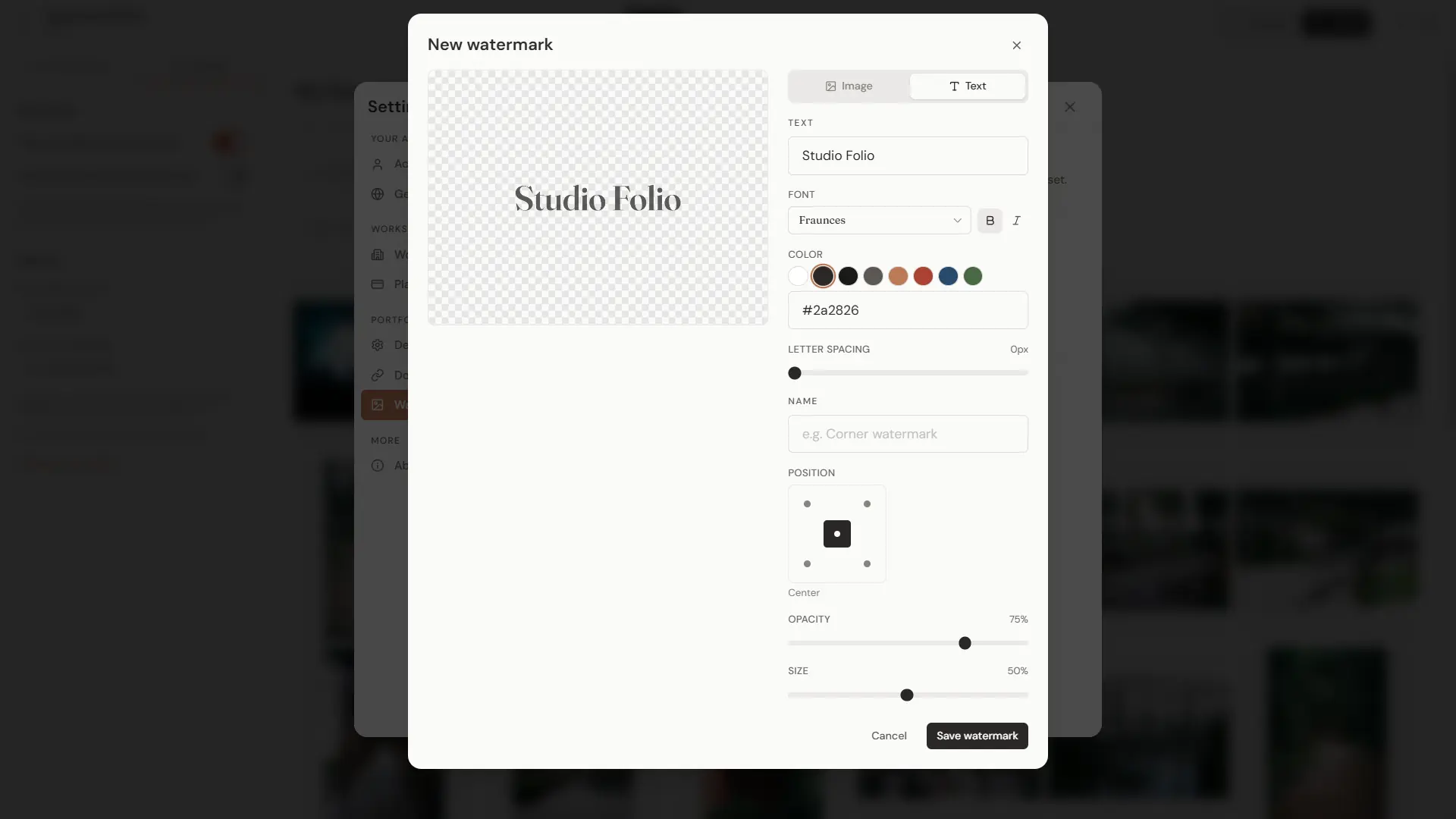
Watermark management is now available in settings. You can add image watermarks, tune the default placement, preview them against a transparency grid, and delete them with a clearer confirmation flow.
We also added text watermark editing, improved watermark image sizing, and fixed a few publishing edges so published galleries keep the right watermark.
A better lightbox
The public gallery has been rebuilt with a smoother lightbox. Swiping is more responsive, desktop zoom and pan feel steadier, mobile info sheets behave more naturally, and full-resolution images load more intelligently once the lightbox settles.
Downloads are more direct from the lightbox, password-protected galleries show better blurred previews, and rapid navigation should feel much less brittle on touch screens.
Gallery organization
Galleries now have more of the small tools that make daily delivery easier: search, sorting, status indicators, date ranges, thumbnail previews, Trash, and collections.
The portfolio dashboard has been refreshed around those workflows, with cleaner gallery lists, a more focused header, mobile drag-and-drop improvements, multi-delete, and a unified action bar for working with selected photos.
Sign-in and account flow
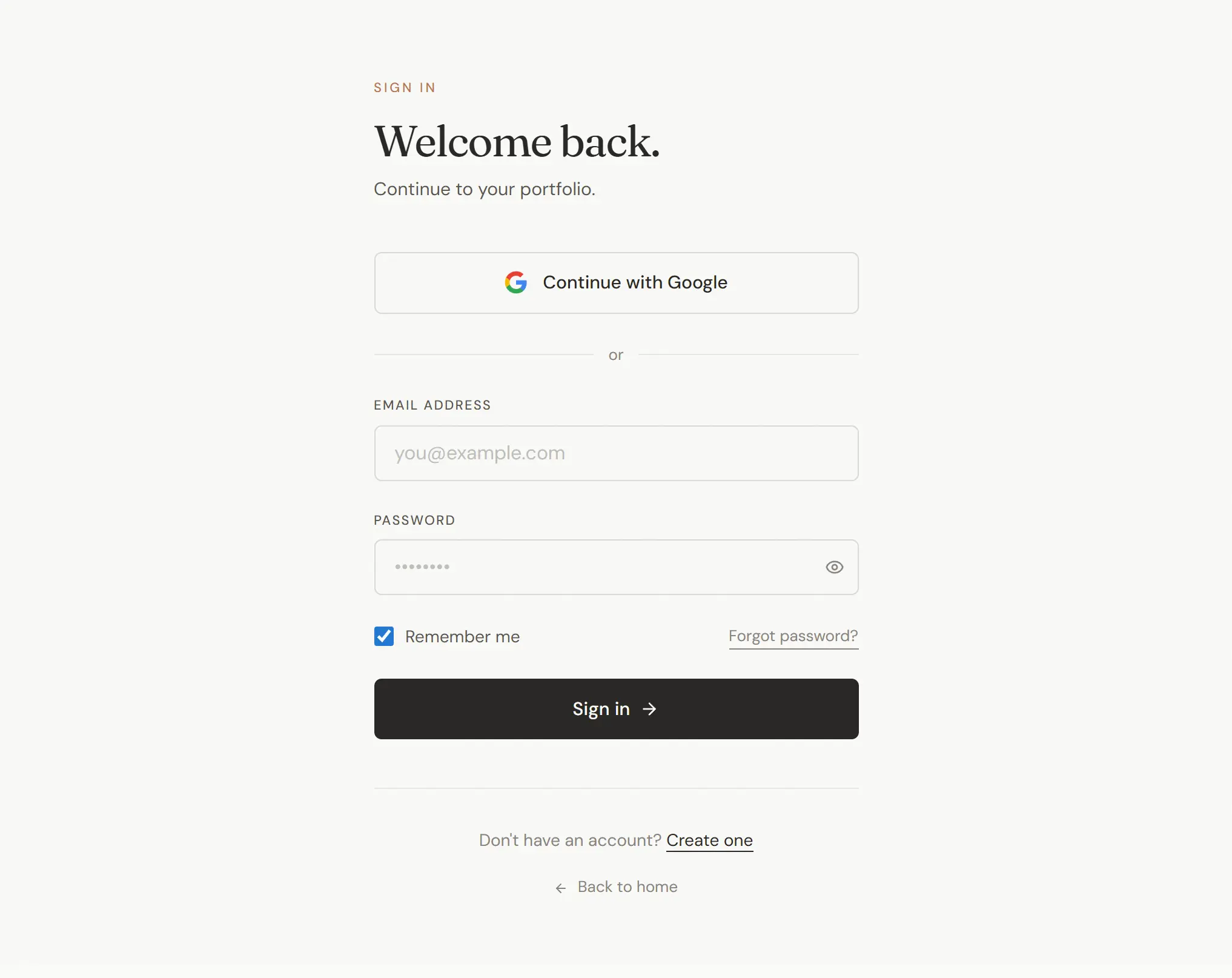
Google sign-in is now available, so getting into Folio takes fewer steps if your studio already lives in a Google account. We also smoothed out password changes, email verification, mobile sign-in, and the handoff from signing in to arriving in the dashboard.
For photographers setting things up for the first time, the dashboard and gallery editor tours have been improved so onboarding appears at the right moment and stays out of the way once you know the space.
Public pages and pricing
The landing page, pricing page, feature pages, blog, changelog, legal pages, and cookie consent experience have all been refreshed.
They should feel clearer, more polished, and more trustworthy for anyone meeting Folio for the first time. We also updated privacy and terms language to better match how Folio works today.
Faster uploads and steadier delivery
Uploading and processing received a lot of care. Larger uploads should feel steadier, duplicate uploads are handled more gracefully, and gallery thumbnails and downloads are more reliable.
Public galleries now make smarter choices about when to load full-resolution images, so clients get a crisp viewing experience without unnecessary waiting. ZIP downloads, filenames, and photo dates have also been tightened up.
Quality and reliability
We have also done a lot of invisible work on speed, monitoring, accessibility, search visibility, legal clarity, testing, and internal support tools.
Most of this is deliberately quiet. The goal is simple: galleries should open quickly, links should keep working, uploads should finish cleanly, and the platform should feel calm even when a lot is happening underneath.
Thank you for building with Folio while it is still taking shape. There is more polish coming next: better customization, smoother proofing workflows, and more ways to make each delivery feel unmistakably yours.